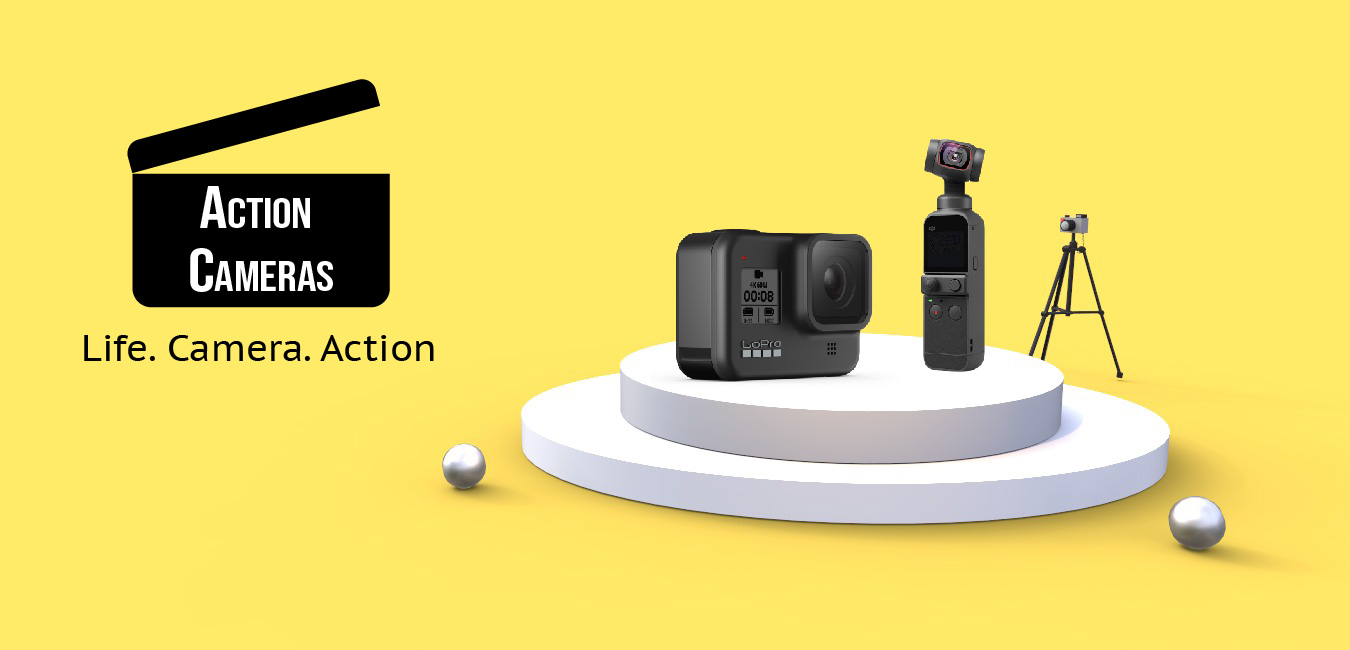
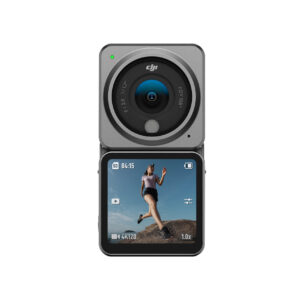
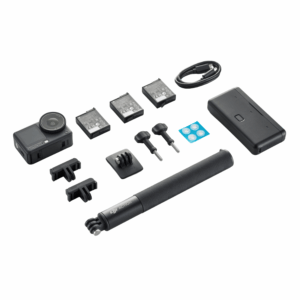
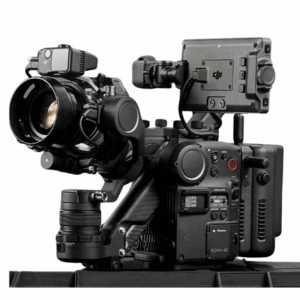
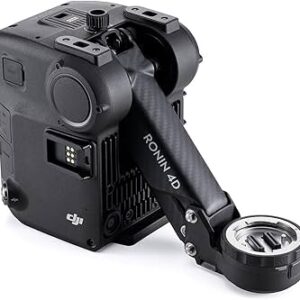
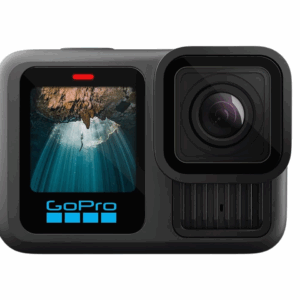
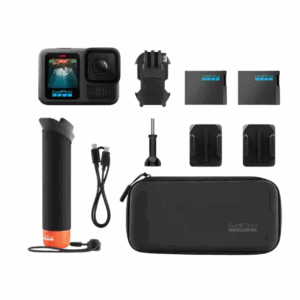
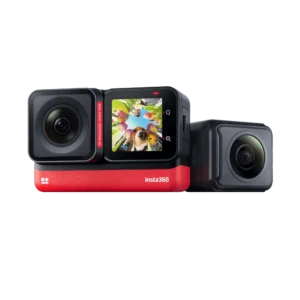
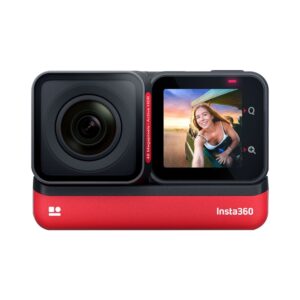
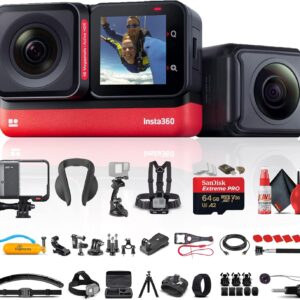
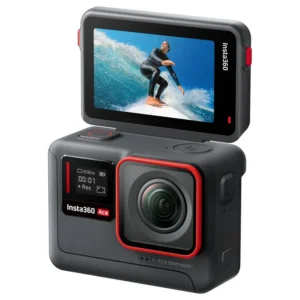
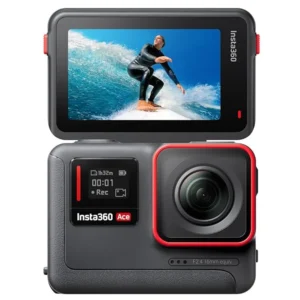
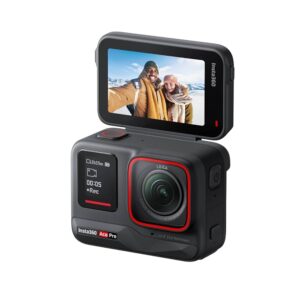
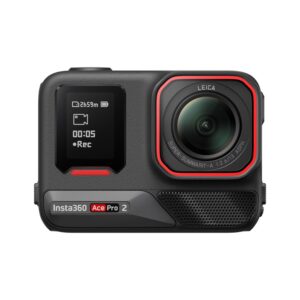
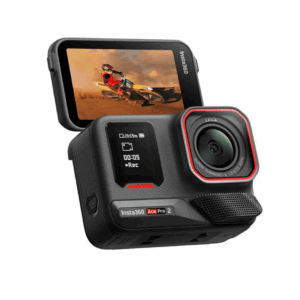
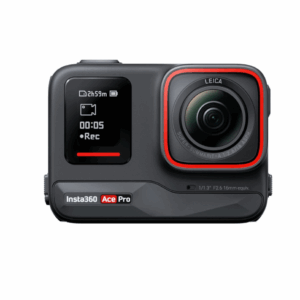
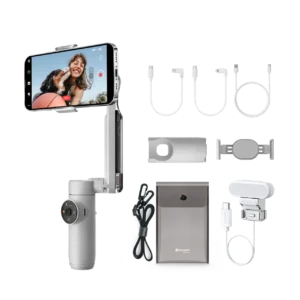
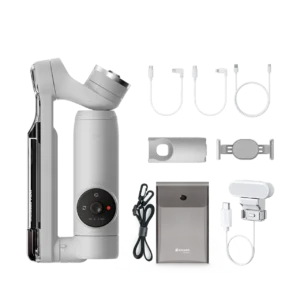
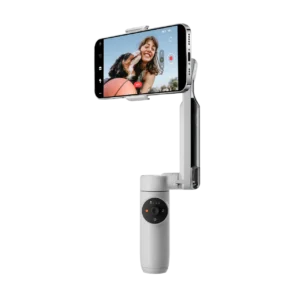
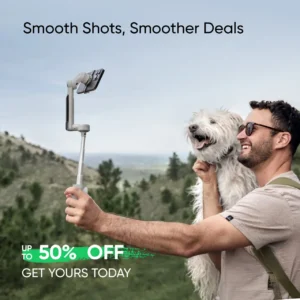
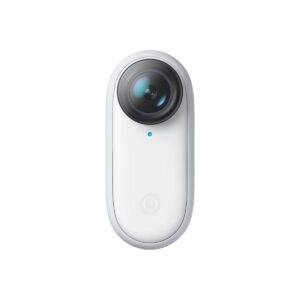
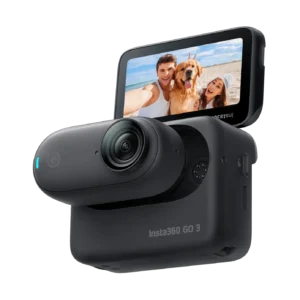
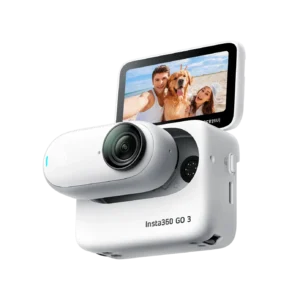
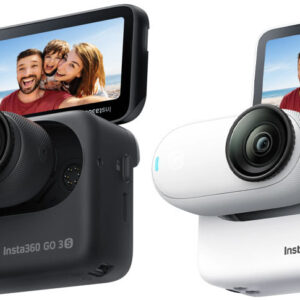
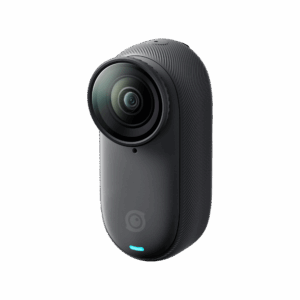
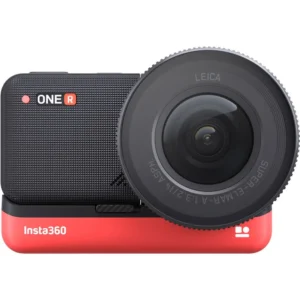
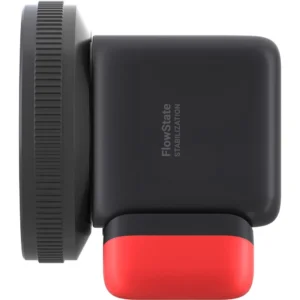
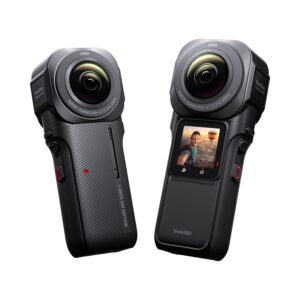
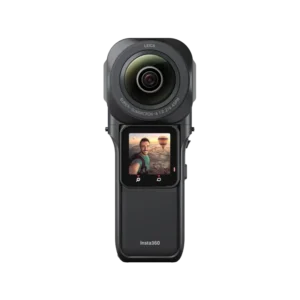
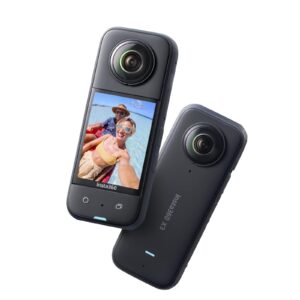
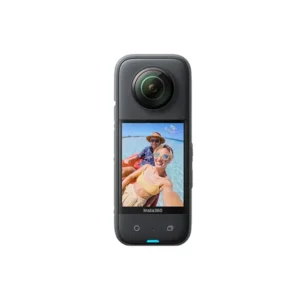
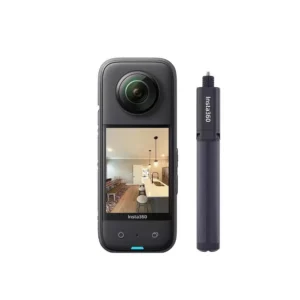
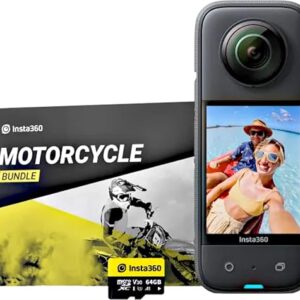
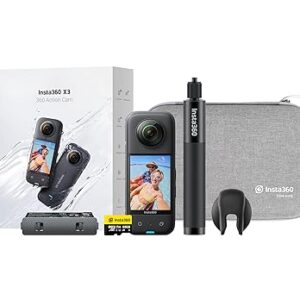
It’s quite like a normal camera that shoots photos and video but unlike regular cameras, action cameras come with a range of accessories that enable you to attach them to helmets, handlebars, take them underwater and attach to practically anything. What’s the point in this? Epic mini-movies and unreal photos! Action cameras make your photos and videos come to life – let your friends and family see exactly what you’re seeing as you zip line down a mountain or drive across surreal landscapes. In addition to this most action cameras have a wider lens so you can get more width to your images.
What to look for in an action camera??
Buying an action camera can be confusing as there are lots of elements that you need to know about. We try to explain in simple terms what everything means and why it’s important. If you are considering buying an action camera there are a few things that you might need to know more about in order to make a decision on which action camera is right for you…
HD means High Definition, HD, Full HD, and 1080p all mean the same thing. This means that your videos can be played on TV, smartphones, YouTube, projectors, and computers for example. Most action cameras should come with this, it’s best to make sure it does so you know you have high-quality video playback – the last thing you want is to have epic footage swimming with turtles only to find out the video quality is so poor that your recording is barely visible. HD or 1080p generally gives you a resolution of 1920×1080.
Is it 4k?
4K is also known as Ultra HD, you get where this is going right? Meaning it has an even bigger resolution so images are even clearer so they can be made really large without looking pixelated. 4K video footage could be used on digital television and digital cinematography. It’s not essential but if you want very high-quality video make sure the action camera is a 4K action camera.
How far can you use it underwater?
One of the great things about action cameras is that you can put them in their waterproof cases and take them pretty far underwater. If you are a diver, should ensure your action camera can handle the depth you are diving to. The action cameras we offer go to at least 30 meters to 50 meters.
How many megapixels?
As action cameras also take photos you should check that how many megapixels the action camera has. The average smartphone has around 8 megapixels if that helps. We wouldn’t recommend any lower than that.
How much storage?
You want to make sure you have a decent amount of storage as you don’t want to run out of space just as you are filming something amazing. If you are going to be filming a lot (rather than just taking photos) this will take up more space on the SD card so it might be a good idea to get an action camera with a bigger capacity although it’s not essential as you could just take a few space micro SD cards so you can change to a new one when the existing SD card is full. Something to keep in mind is that if you choose to go for a 4K action camera the videos are higher definition which takes up more room on the device.
This 4K Ultra HD 16MP Action Camera has a whopping 128GB storage capacity with a microSD card. As a rough calculation, 1 minute of a 4K recording uses just under 400MB of space. With this camera and a 128GB microSD card, you can record 5 hours’ worth of 4K video before you need to worry about moving anything to cloud storage.
Has it got Wi-Fi or Bluetooth?
Without WiFi or Bluetooth you will need to take the SD card out and use a card reader to export your photos and filming onto your phone or computer. This is fine but if you are traveling and want to upload something to Facebook or send a few photos to friends and family having WiFi is really handy.
Has it got a Fisheye lens?
This isn’t a must but a fisheye lens can give you some cool effects. A fisheye lens is a very wide-angle lens that produces a wide panoramic image. It’s nice to have if you are getting an action camera as you can get more width into your images and video and it enables you to create some cool effects.
What FPS do you need?
What is FTP you ask, its frames per second? Video is created by hundreds of still images that are consecutively taken to give the appearance of moving – just like animation. The speed of the frames per second can therefore give you different effects, or if poor quality appears sluggish. The current industry standard is 24 FPS -that number was decided on for economic reasons rather than because that’s what looks best to watch. With this in mind, you ideally want something that is 24FPS or above. Just so you know, a high FPS like 70 FPS won’t look really fast it just has more quality which means less strain on the eye.
Have much zoom?
This depends on how close you will be to whatever you are filming or taking photos of. The more zoom you have the further away you can be. Any less than a 3 x zoom is going to mean that you need to practically stand next to whatever you want to capture which is fine if you are filming people but if you are trying to capture an animal you are unlikely to be able to get up close to it.
Check out our affordable action cameras and start getting creative with your holiday snaps!
Go Pro Hero 9 – Black
Q: How to Open Action Camera/Waterproof Case?
A: There are 2 main types.
1. Manually Lifting
The 1st, which is the most common one, would be where all you need to do is forcefully lift the latch to open.
2. Pushing Slider
The 2nd one which is slightly rarer has a slider which, to open, you would have to push the slider and lift the latch to open the case.
Q: How to Use Action Camera Mounts?
A: The Basic Set That Comes Together With Your Action Cam
I am assuming you have the mounts that comes together with your action camera for these examples.
It really depends on what you use it for. But, for the those of you who have no clue at all, let me provide 2 examples.
For Vlogging
For Cycling
Q: How to charge action cam?
A: Most action cams use a micro-USB cable for charging and data transfer, similar to the one used in android smartphones (at least the older ones, as the newer ones now use USB Type C instead).
Just plug it into any USB adapter or PC and it should be charged in no time.
Oh, and 1 tip. Switch off the camera when charging and don’t switch it on during the charging process because there have been many instances when the battery does not get charged when it’s turned on. So you don’t want that, keep the battery off.
Q: How to Edit Action Camera Videos?
A: It depends on what you want to get out from your videos.
Is it a holiday vlog? Is it a first POV video from your RC drone? Or is it an action video mountain biking through the forest?
Any editing software will work in my opinion. Windows Movie Maker (Windows) or iMovie (Mac) will do the work but if you wanted to perform specific tasks such as removing the fisheye effect, stabilizing your shaky shot or creating slow-motion/time-lapse, you’d have to use apps that are meant for it.
Q: How to Mount Action Camera On Helmet?
A: If you do own an action camera that comes with the relevant accessories, it’d be very straightforward because all the mounts for to mount on your helmet are already included and it’s just a matter of snapping mounts together and using the strong double sided tape (provided) to stick it onto your helmet.
However, if you regularly use it on your helmet, you’d probably be better off investing in one of these helmet mounts that will fit more securely and has more flexibility on the helmet.
Q: How to Choose Action Camera?
A: 1.Decide on Price & Budget Based On Use
If you are planning to use it regularly and value good video quality, most good action cams that have good image quality and solid build, are priced above 100 USD (Incl. coupons & offers).
Conversely, if you’re using it rarely such as during holidays and don’t require a flagship model, a budget of under 100 is perfectly fine.
Q: How to Connect Action Camera to Wi-Fi & To Your Phone?
A: There are many questions and it differs from camera to camera.
Also note that it only works with action cams with Wi-Fi capabilities.
1. Press the up button to show Wi-Fi name and pw.
However, generally, for 95% of the action cams out there, all you’d have to do is press / press & hold the up button which then the screen should show the wi-fi SSID and password.
2. Connect To Your Phone By Connecting To Wi-Fi
What’s left now is to turn on your phone and connect to the action cam’s Wi-Fi.
3. Open Up The App.
If you have not downloaded the app, go ahead to the manufacturer’s or seller’s page on the action cam and download it from there.
Watch the below video to find more about Pocket 2
Watch the below video to find more about Pocket 2
Check our range of Hoverboards!
Change the way you move!
[button color=”undefined” hover_text_color_override=”undefined” url=”https://xboom.in/product-category/xboom/hot-gadgets/hoverboards/” text=”Move with Hoverboards” color_override=”#dd9933″]