
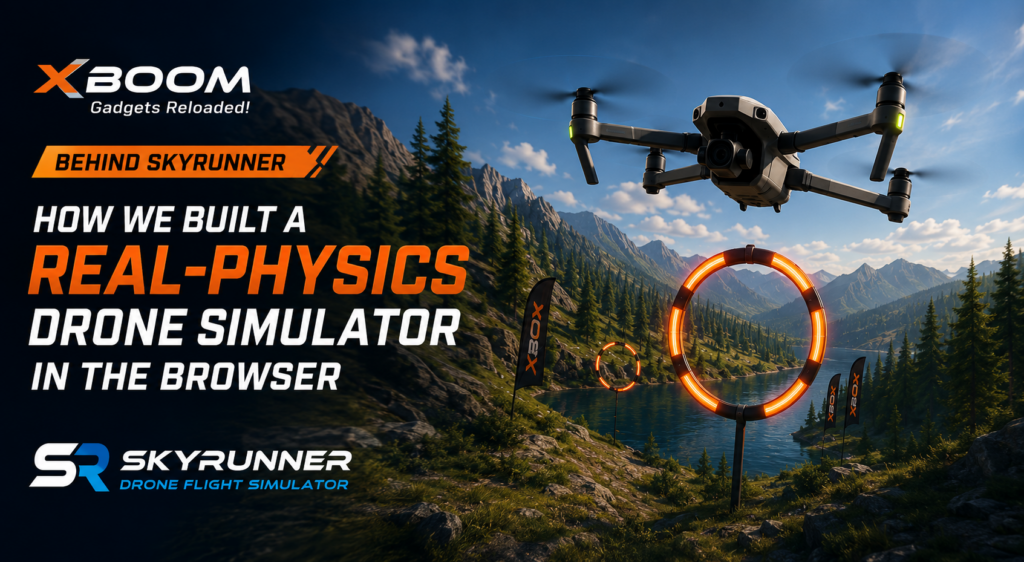
Last week we told you SkyRunner was live — a free drone flight simulator you can fly straight from
your browser, no download required. The question we got back most wasn’t “how do I play it,” it
was “is the physics actually real, or is this just a flying-camera animation with extra steps?”
Fair question — it’s the one thing that separates an actual drone flight simulator from a browser
game with a joystick bolted on. The honest answer is yes: here’s what went into building an online
drone simulator that runs in a browser tab, with nothing to install.
Why XBOOM Built a Free Drone Flight Simulator
XBOOM sells drones. Spending engineering time on a free online drone simulator wasn’t an obvious
call for an e-commerce business — until we looked at how people actually decide to buy their first
one.
Most first-time buyers have never held a transmitter. They’re comparing flight modes, price points
and camera specs without knowing what any of it feels like in the air — and a spec sheet can’t
answer “will I enjoy flying this.”
A drone flight simulator does. Let people learn to fly a drone for free first, no download, no risk to
an actual aircraft, and the decision to buy gets a lot easier — the same reason flight schools have
used simulators for decades before a student sits in a real cockpit.
What “Real Physics” Means for an Online Drone Simulator
Plenty of browser “drone games” fake flight — the camera glides along a fixed path, or your inputs
snap the drone straight to a new position. That’s animation, not simulation.
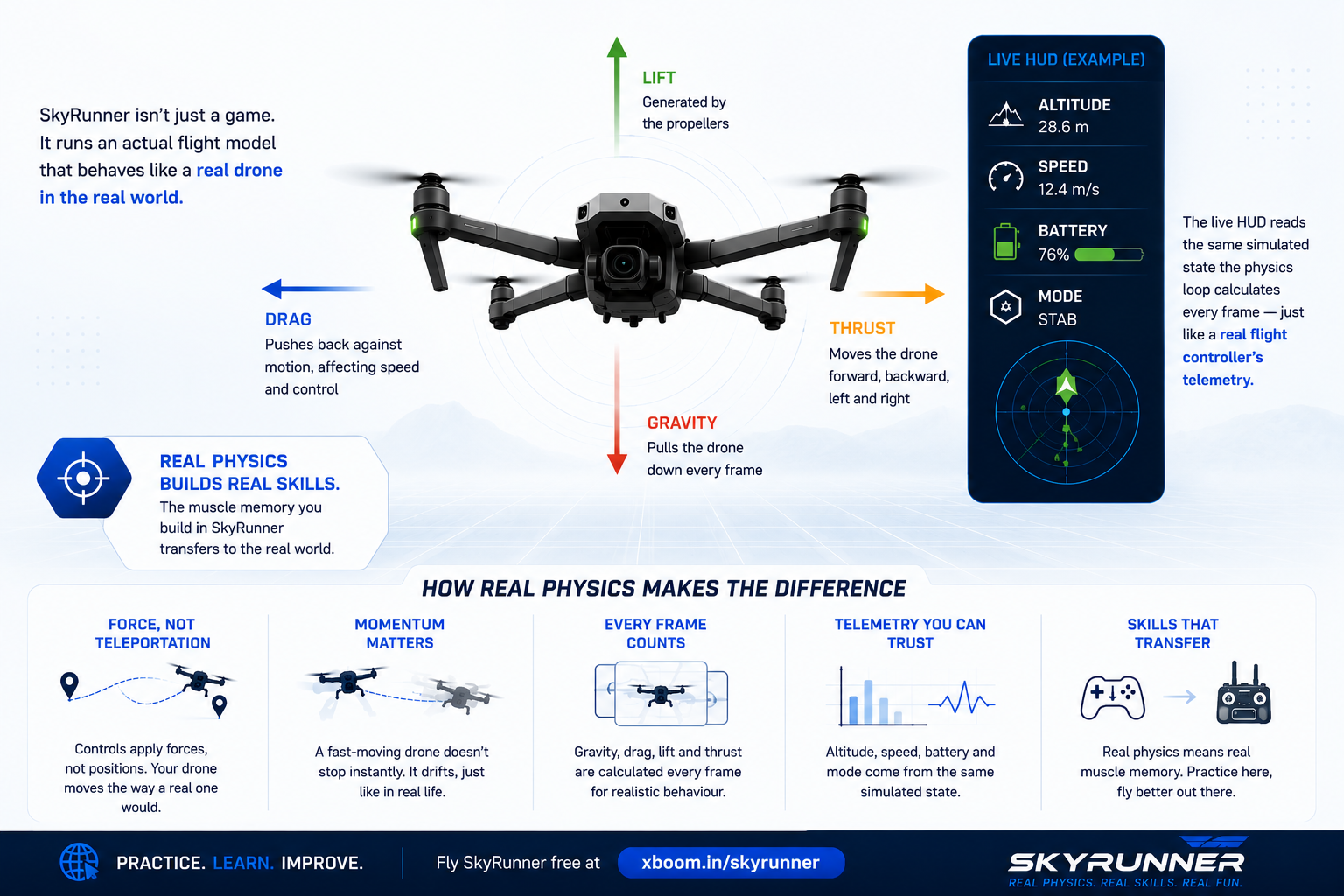
SkyRunner runs an actual flight model underneath the visuals instead. Every control input — throttle,
pitch, roll, yaw — applies a force, not a position. Gravity pulls down every frame, drag pushes back
against motion, and momentum means a fast-moving drone doesn’t stop the instant you release
the stick — it drifts, the way a real quadcopter with mass and inertia would.
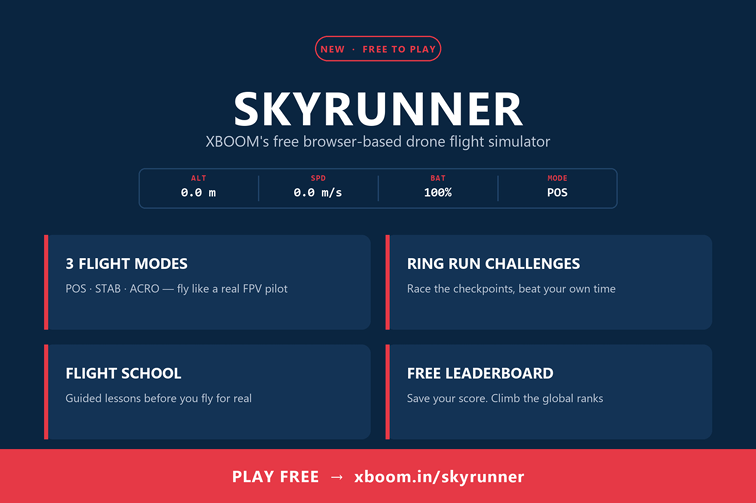
The live HUD on screen — altitude, speed, battery, active flight mode — isn’t decorative either. It’s
reading the same simulated state the physics loop calculates every frame, the way a real flight
controller’s telemetry does.
That’s the entire point of a practice-grade drone flight simulator. If the model is real, the muscle
memory transfers. If it’s fake, you’ve just learned to beat one browser game.
Three Flight Modes, Because Real Drones Don’t Fly One Way
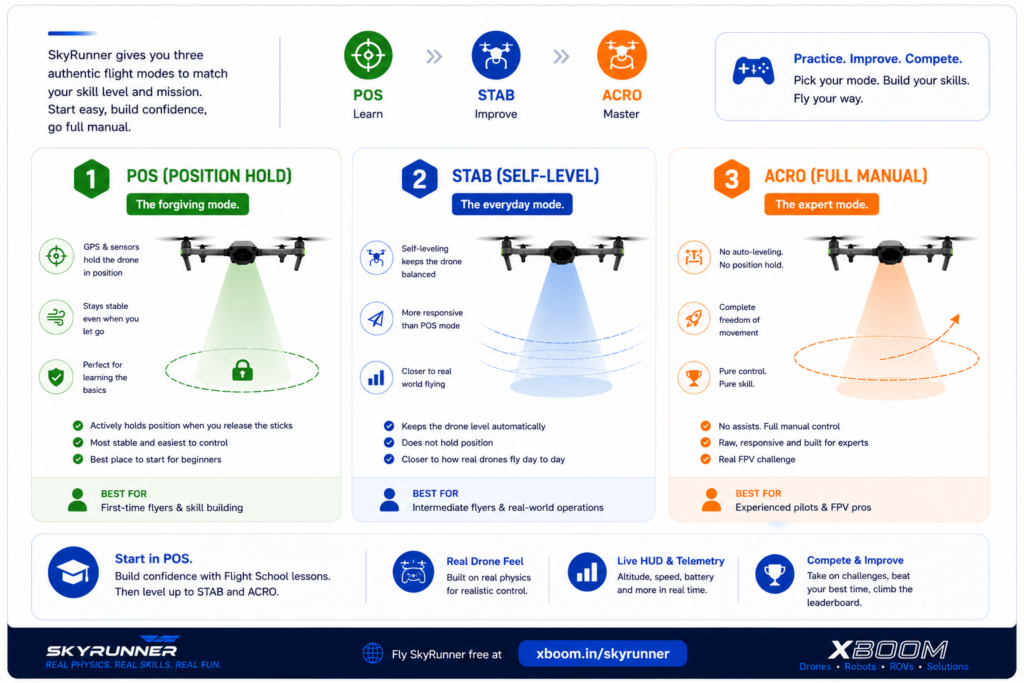
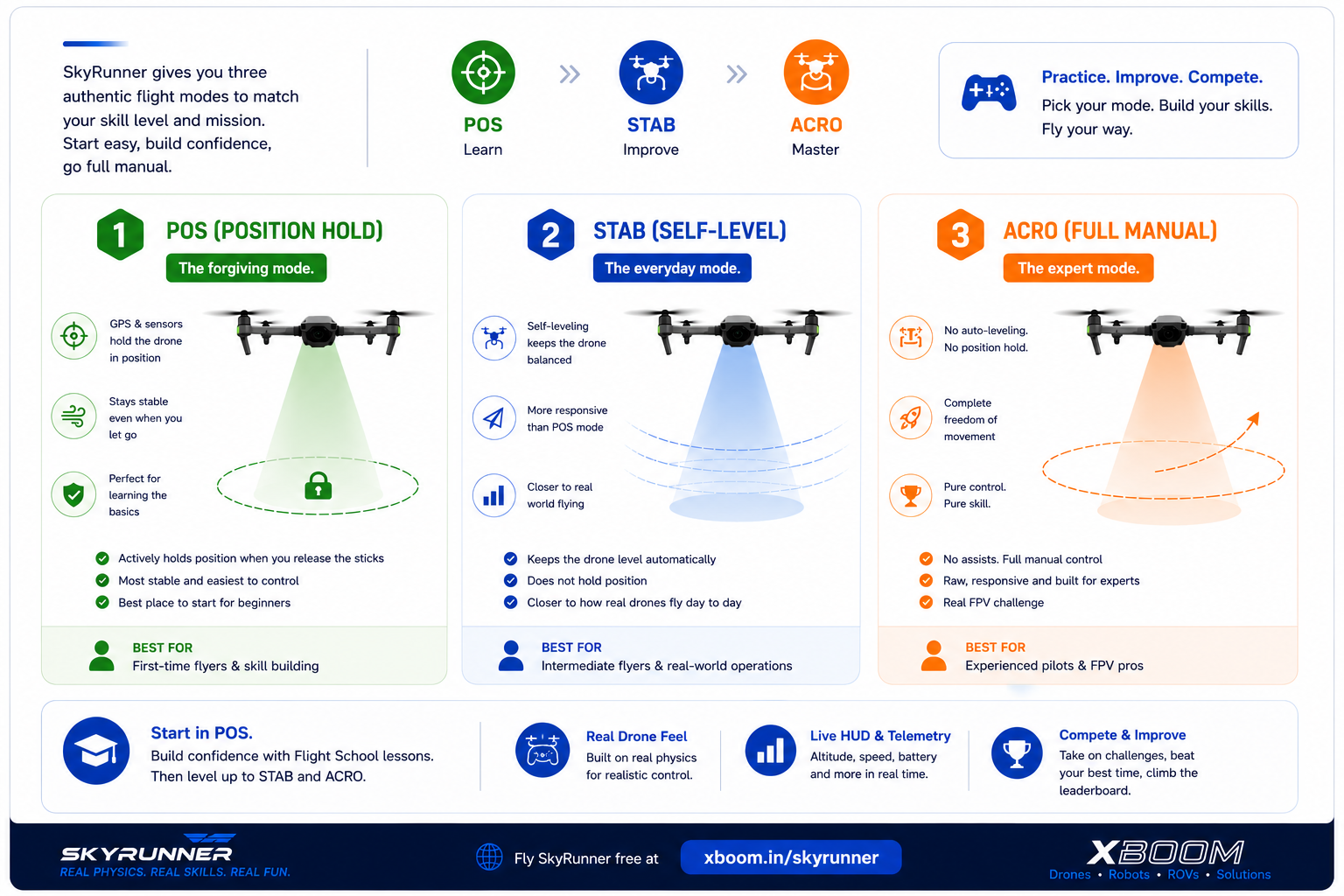
The hardest part wasn’t the physics model — it was making three genuinely different flight modes
feel authentic instead of like difficulty sliders:
• POS (Position Hold) — actively fights drift and holds the drone steady the moment you let go
of the stick, the same assist most beginner-friendly consumer drones lean on.
• STAB (Self-Level) — keeps the drone level but stops correcting your position, closer to how
most consumer and enterprise drones actually fly day to day.
• ACRO (Full Manual) — hands you every axis with zero assists, the same raw input real FPV
pilots fly on.
Each mode needed its own tuning pass — the assist logic that makes POS forgiving for a beginner
has to disappear entirely for ACRO to feel honest to an experienced pilot.
Ring Run, Flight School and the Free Leaderboard
Accurate physics only matters if people stick around long enough to learn from it, so SkyRunner
wraps the flight model in a reason to keep flying:
• Ring Run turns it into a checkpoint race against the clock.
• Flight School is a guided, lesson-by-lesson on-ramp for anyone who’s never touched a
controller — built deliberately as a soft start before enrolling in our DGCA-certified drone pilot
training.
• A free leaderboard (one quick sign-up — name and email, nothing else) saves your best runs,
so there’s always a time to beat, including your own.
None of that changes the physics underneath. It just gives the physics a reason to be flown more
than once.
Built to Run in a Browser Tab, Not Installed on a Machine
The constraint that shaped every other decision was distribution: SkyRunner had to load instantly in
a browser tab, on whatever laptop a visitor happened to be using — no download, no install, no
GPU checklist before you can practice flying a drone.
That’s harder than it sounds: a physics loop accurate enough to be useful still has to run smoothly
on ordinary hardware, over an average connection, the second someone clicks play — realistic
enough to matter, light enough to load in seconds.
Practice Free Before You Buy a Drone Online
Whether you’re comparing drones before you buy one online, or you’re already enrolled in pilot
training and want extra stick time between sessions, SkyRunner is free practice that costs nothing —
and risks nothing but a simulated crash.
Not sure which drone to fly first for real? Our Drone Finder matches you to one in three questions.