
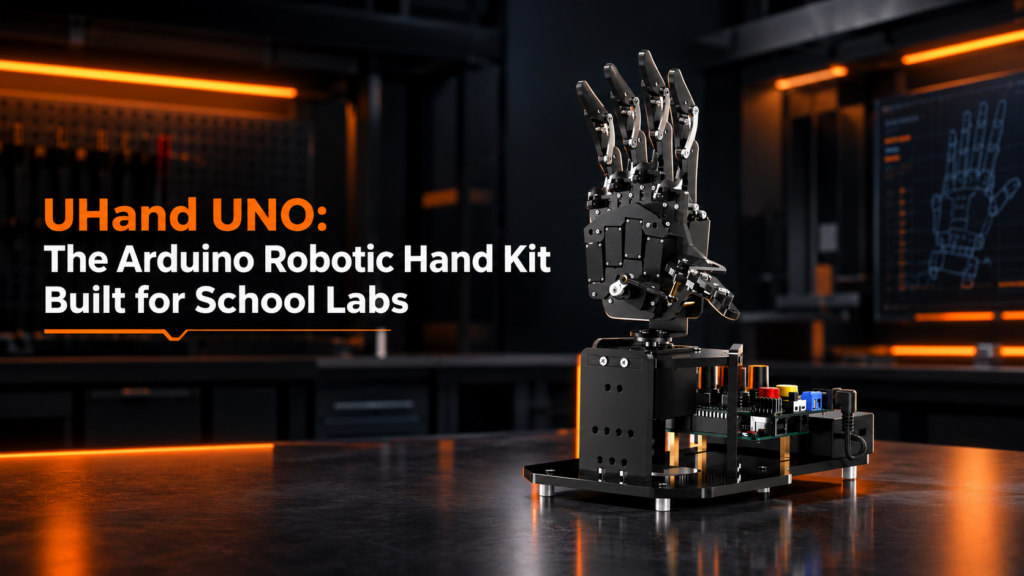
A robot hand is one of the best first mechatronics projects a school can buy. Everyone understands what a hand is supposed to do, so students can see right away whether their code works. UHand UNO is an open-source, Arduino-based robotic hand kit with five independently driven fingers and a rotating wrist, built to take the knocks a classroom delivers.
We stock the UHand UNO Starter Kit (Left Hand) at XBOOM for ₹22,900. This post covers what’s in the box, what isn’t, and how to get the most from it in a school lab.
What Is the UHand UNO Robotic Hand Kit?
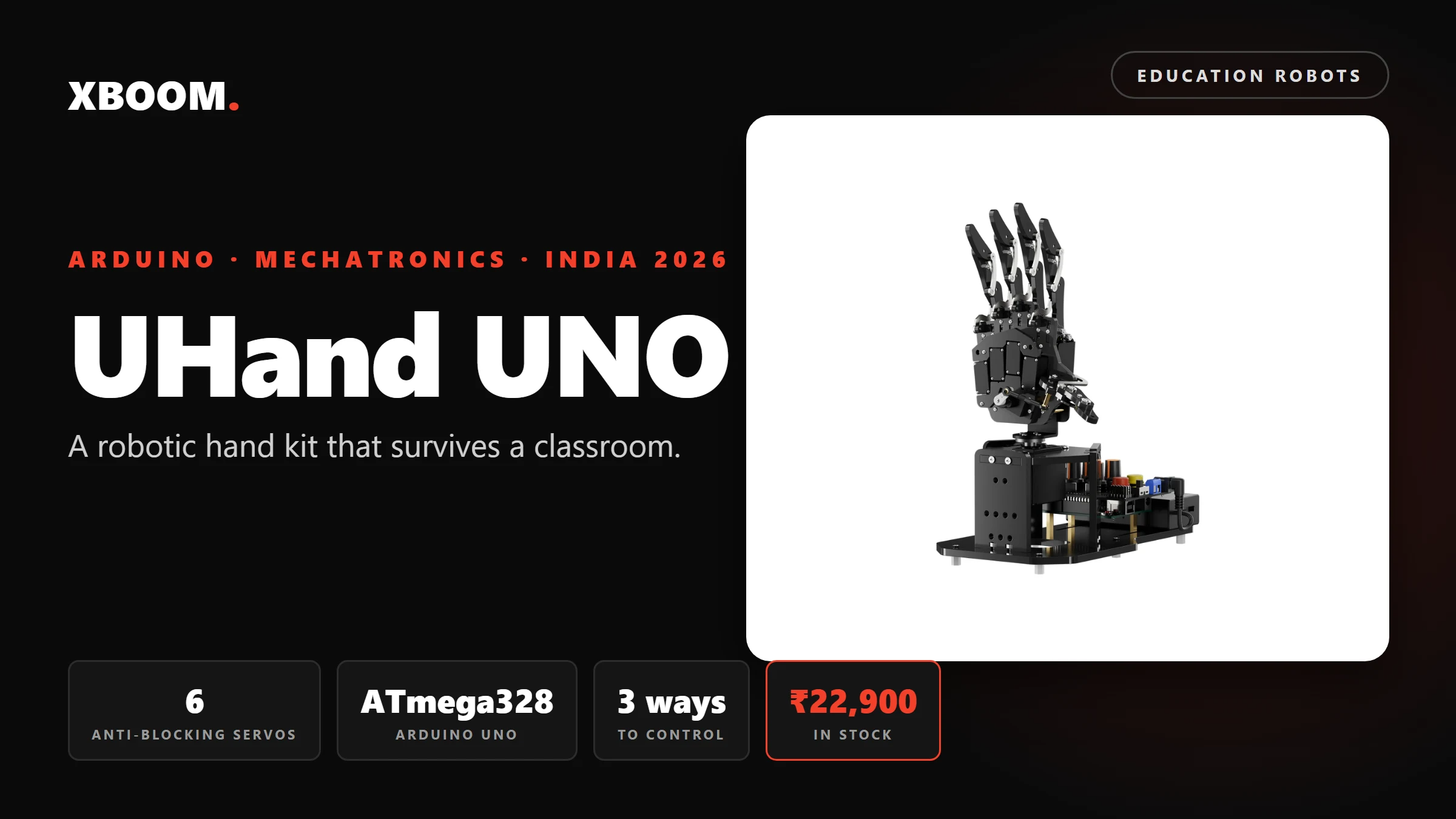
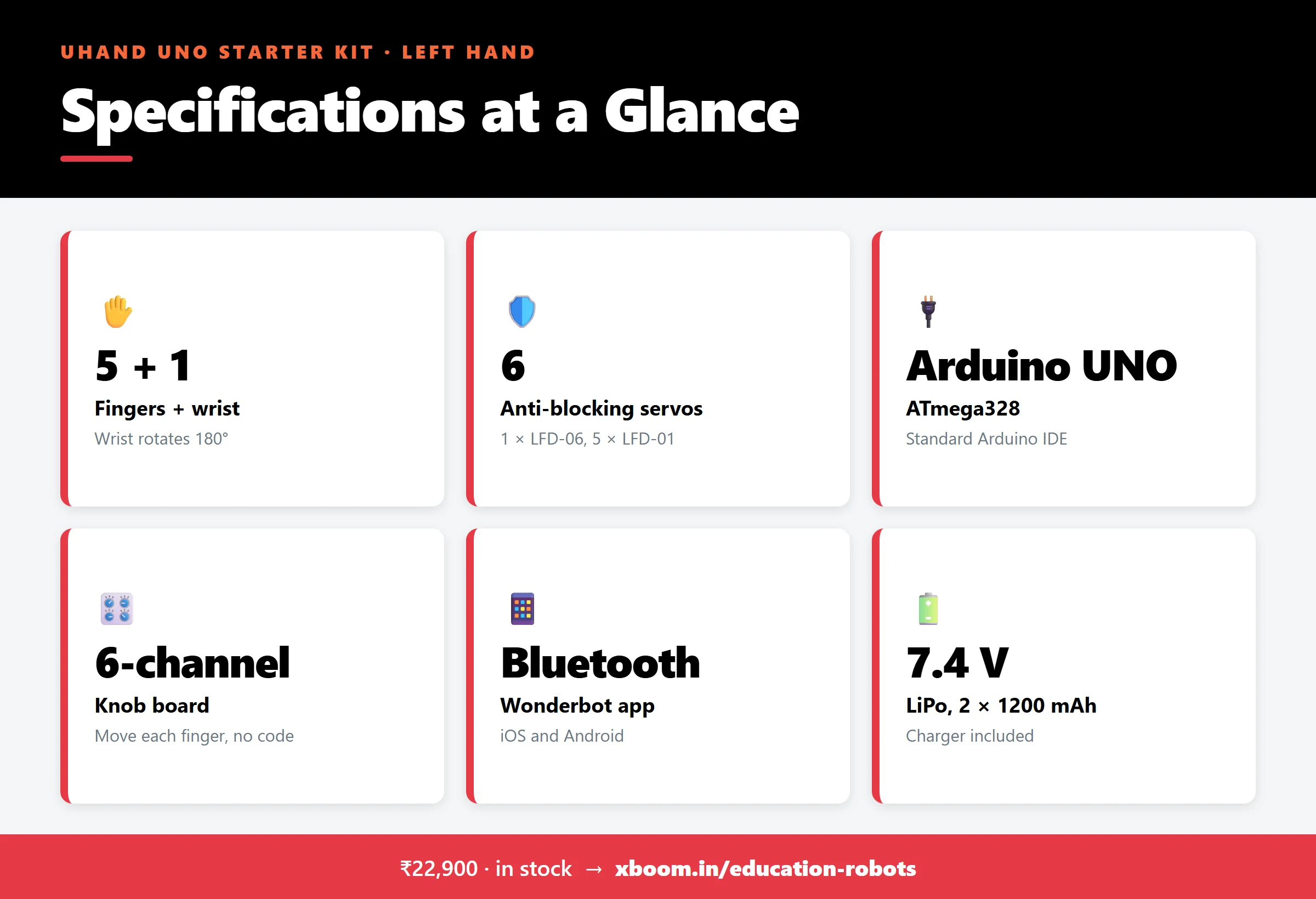
UHand UNO is a bionic left hand made from aluminium alloy and acrylic, about 207 × 120 × 257 mm when assembled. It runs on an Arduino UNO (ATmega328), so it works with the standard Arduino IDE and the whole Arduino library ecosystem. Six servos drive it: one for the wrist and one for each finger.
It’s open source from top to bottom. The example code comes with detailed comments, so students can read it, change it and write new behaviours of their own.
Why Anti-Blocking Servos Matter in a Classroom
Ordinary hobby servos tend to fail the same way in schools. A finger hits a table, a ball or a student’s hand, and the servo keeps pushing until it overheats and burns out.
UHand UNO uses anti-blocking servos: an LFD-06 for the wrist (180° rotation) and five LFD-01s for the fingers. When a finger meets resistance, the servo senses the stall and cuts its torque instead of straining. That’s what lets the hand grip real objects, again and again, without the servo burning out. For a lab that needs equipment to last more than one term, this matters more than any other spec.
Three Ways to Control It, No Code Needed to Start
1. The six-knob board
Each knob is a potentiometer wired to one servo. Turn a knob, and a finger moves. There’s no phone, no laptop and no code, which makes it the fastest way to show a class how the hand works. The board can also record movements and play them back offline.
2. The Bluetooth app
The Wonderbot app (iOS and Android) controls each finger with buttons and sliders over Bluetooth.
3. Arduino C/C++
Students open the example code in the Arduino IDE, upload it over USB and start changing it. A PC tool also lets them record, save and replay multi-step gestures as “action groups” without writing code.
What Students Learn From a Robotic Hand
- Servo control. Each finger is one motor and one angle.
- Sequencing and timing. Five fingers have to move in the right order to make a fist, count or wave.
- Force vs position. Gripping a ball shows why “close the finger” and “hold the ball” aren’t the same instruction.
- Sensors and feedback. With the add-ons, the hand reacts to touch, distance and what it sees.
What’s in the Starter Kit, and What Isn’t
Be clear on this before you order, because the glove demo you may have seen online needs a higher kit.
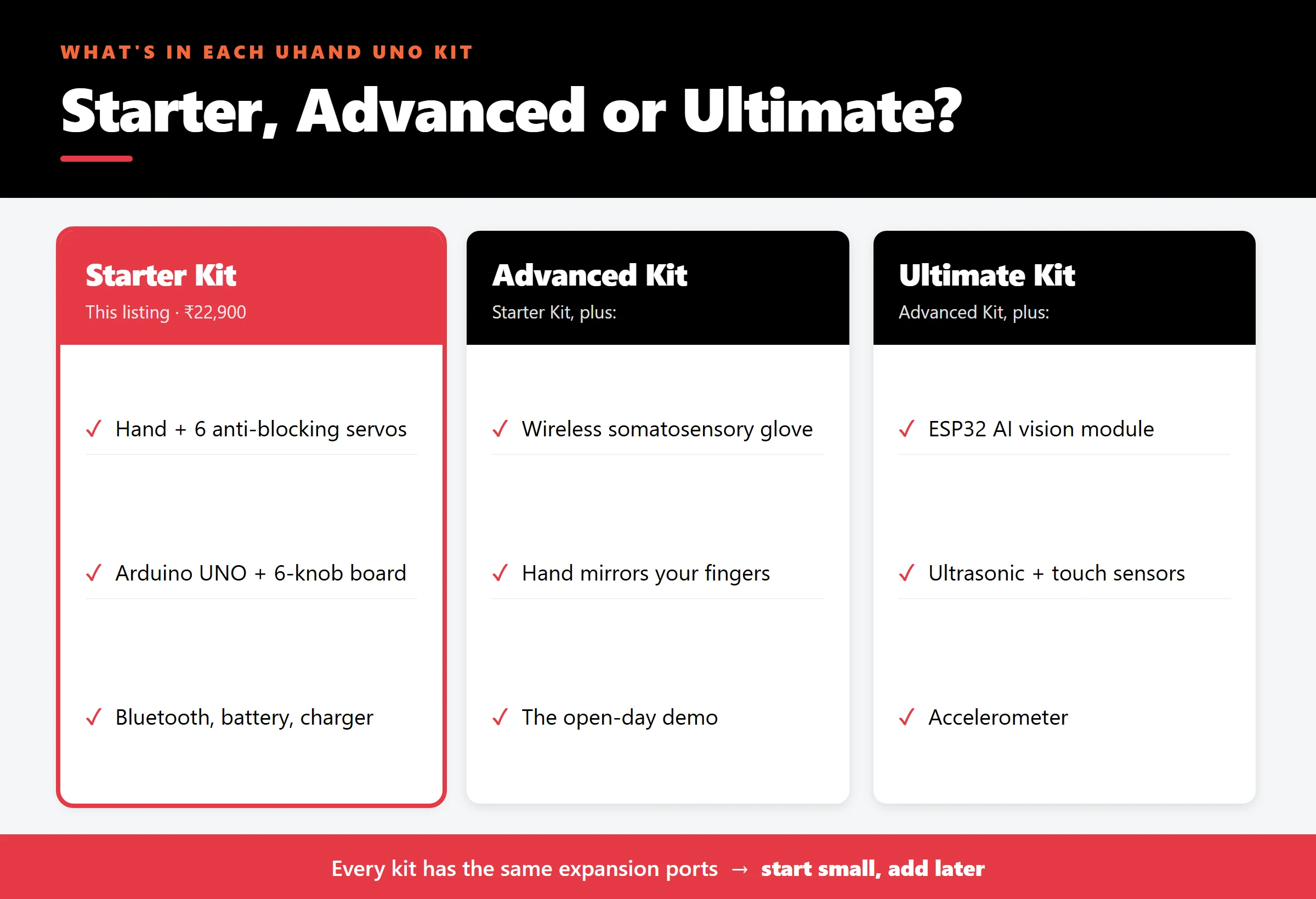
The Starter Kit includes: the left-hand frame, 6 anti-blocking servos, the Arduino UNO board, the 6-channel knob expansion board, a Bluetooth module, a 7.4 V LiPo battery (2 × 1200 mAh) with charger, a Type-B USB cable, a screwdriver, 2 practice balls, and full tutorial access.
- Advanced Kit adds the wireless somatosensory glove. A student flexes their fingers, and the robot hand copies them in real time.
- Ultimate Kit adds an ESP32 vision module (colour recognition, face recognition, seeing and grasping a ball) plus ultrasonic, touch and accelerometer sensors.
Every kit has the same IO and I²C expansion ports, so a Starter Kit bought this year can grow into a vision project next year.
Where UHand UNO Fits
UHand UNO is the most affordable robot in the Hiwonder range we stock, and the only one built on Arduino. It’s a natural fit for:
- Grade 7–10 electronics and coding clubs
- ATL labs and maker spaces that want a striking first project
- Diploma students starting embedded programming
When students are ready for Python and computer vision, the next step is MasterPi (₹49,000), a Raspberry Pi robot arm on wheels. For a walking robot on an expandable platform, see MechDog (₹51,000).
Buying UHand UNO in India
The UHand UNO Starter Kit (Left Hand) is ₹22,900 and in stock at XBOOM in Bengaluru. At that price a school can equip a whole table of students for the cost of one larger robot. Ask us for a lab quote with a GST invoice.
See the UHand UNO Starter Kit (Left Hand) →
Not sure which robot suits your students? Try the Edu Robot Finder or browse all education robots.
UHand UNO: Frequently Asked Questions
Does the UHand UNO Starter Kit include the control glove?
No. The Starter Kit is controlled with the knob board, the Bluetooth app and Arduino code. The wireless glove comes with the Advanced Kit, and the vision module and sensors with the Ultimate Kit.
Do students need to know how to code?
No, not to start. The knob board and the app move the fingers without any code. When students are ready, they program the same hand in Arduino C/C++ using the open-source examples.
What’s the difference between the left- and right-hand versions?
They’re mirror images. The electronics, servos, software and accessories are identical; only the hand’s orientation differs.
Will the servos break if a finger gets blocked?
They’re designed not to. All six are anti-blocking servos: they sense a stall and cut torque instead of straining against it.
What is the UHand UNO price in India?
The Starter Kit (Left Hand) is ₹22,900 at XBOOM, in stock.