
What MasterPi teaches that a robot car or a desk arm can’t
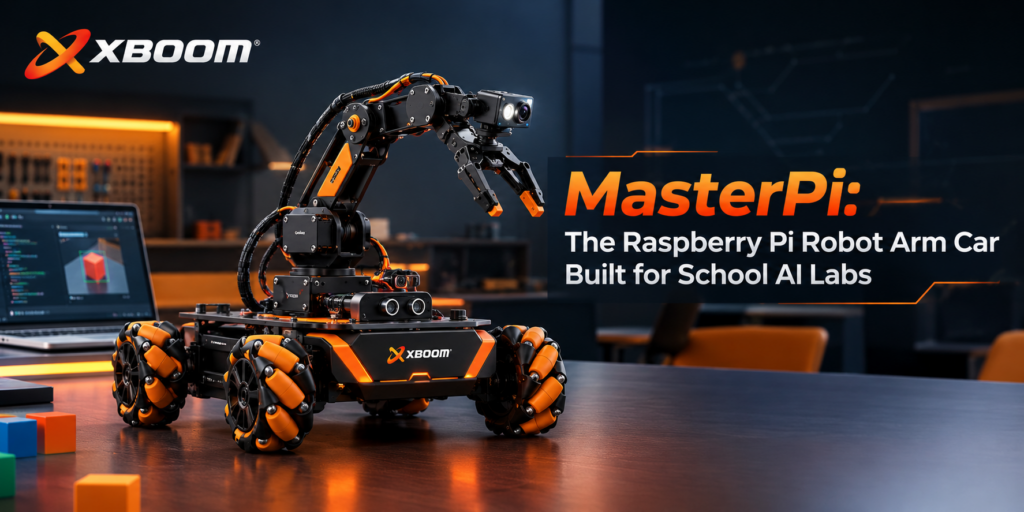
A fixed robot arm teaches manipulation. A robot car teaches navigation. MasterPi does both at once, which is where most of the interesting problems in real automation actually sit: the camera sees a red block, the chassis repositions without turning around, and the arm works out the joint angles to reach it.
That makes it a good fit for the gap between a Grade 8 coding kit and a college ROS platform — students who have outgrown block coding and are ready for Python, but aren’t yet ready for Linux, ROS and SLAM.
The arm: camera on the wrist, not on the car
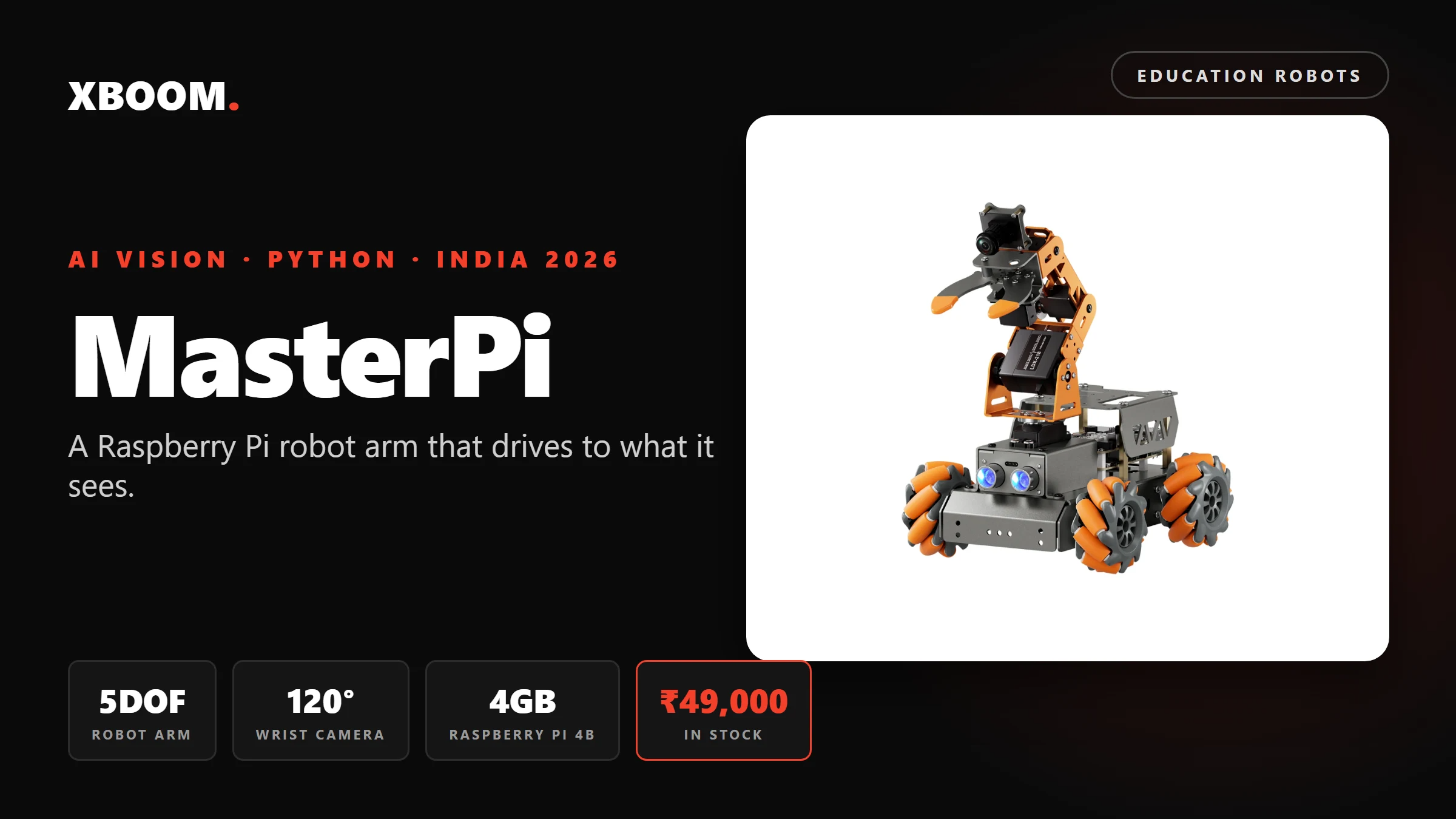
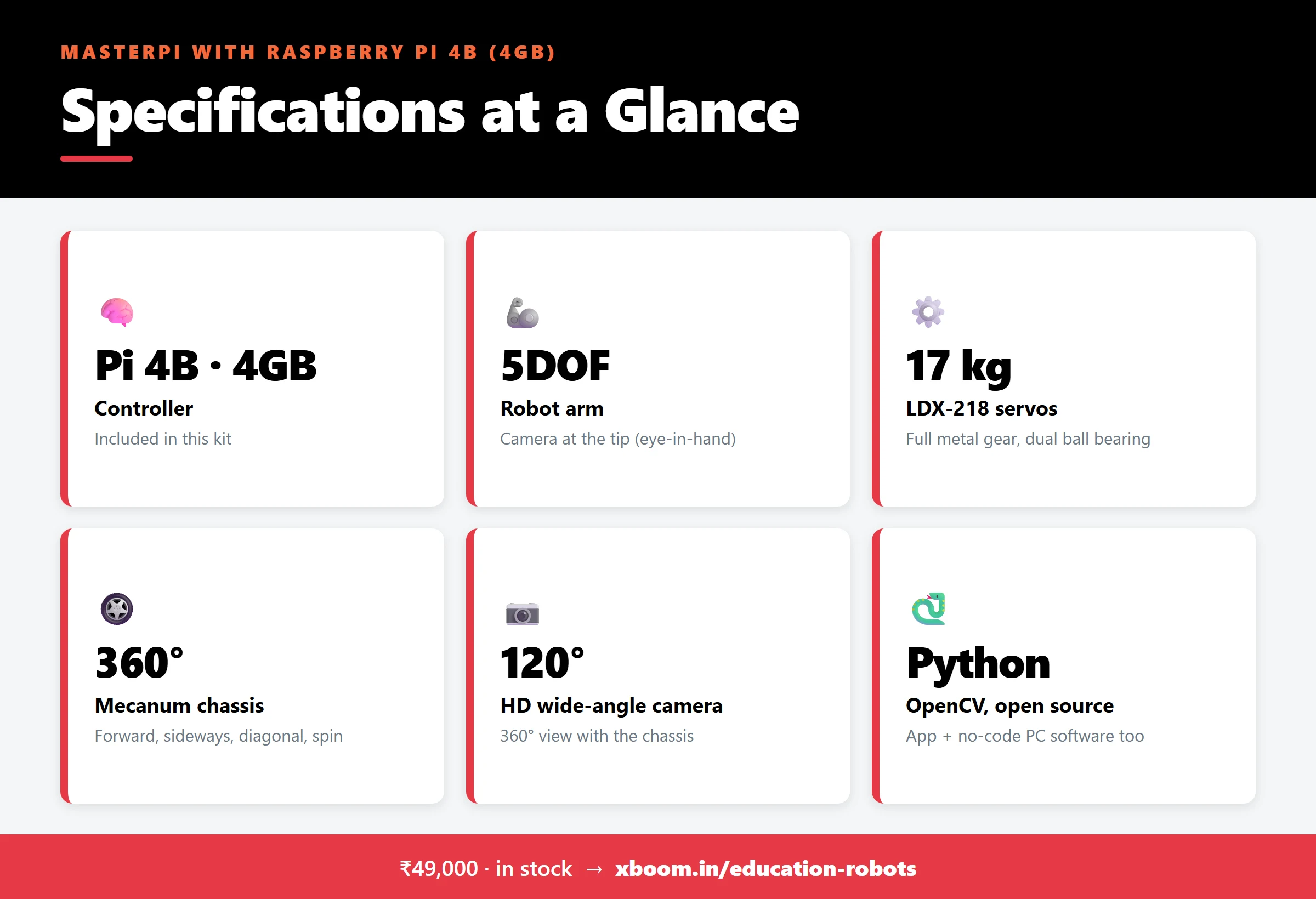
MasterPi’s HD wide-angle camera (120° field of view) is mounted at the end of the 5DOF arm, not on the chassis. As the arm moves, the camera moves with it — an “eye-in-hand” setup. Students see what the gripper sees, and the vision code has to account for a camera that is itself moving, which is exactly the problem industrial pick-and-place systems solve.
The arm uses LDX-218 full-metal-gear digital servos — 17 kg torque, dual ball bearing, 180° control angle — so it tolerates the knocks a classroom delivers.
The chassis: four Mecanum wheels
Each Mecanum wheel has angled rollers around its rim. By varying the speed and direction of the four wheels, MasterPi moves forward, sideways, diagonally, or spins on the spot — no turning radius. Combined with the arm camera’s 180° tilt, it can survey 360° around itself.
What students program
Everything runs in open-source Python on the Raspberry Pi, using the OpenCV library:
- Colour sorting — identify blocks by colour and place them in matching zones
- Target tracking — PID-controlled arm and camera follow a moving object
- Intelligent transport — find, pick up, carry and deliver an item
- Line following — follow a coloured line on the floor
- Face tracking, QR code recognition, gesture recognition, object recognition
A LAB colour-space calibration tool lets students tune colour thresholds visually — a useful lesson in why “red” under classroom tube lights and “red” in sunlight aren’t the same number.
Three ways in, for three levels
- WonderPi app (iOS/Android) over Wi-Fi — drive, grip and view the camera feed, no code
- PC software — drag sliders to move each servo, record and play back action sequences, no code
- Python — full source, tutorials and instructor video lessons; VNC remote desktop into the Pi
Specifications
| Controller | Raspberry Pi 4B, 4GB RAM (included) |
| Arm | 5DOF, camera at end-effector (eye-in-hand) |
| Servos | LDX-218 metal gear digital, 17 kg torque, dual ball bearing, 180° |
| Chassis | 4-wheel Mecanum, omnidirectional |
| Camera | HD wide-angle, 120° FOV |
| Other sensors | RGB-lit ultrasonic sensor (obstacle avoidance, light control) |
| Programming | Python (open source), OpenCV |
| Control | WonderPi app (iOS/Android), PC software, VNC |
| Battery |
High-capacity rechargeable lithium (included)
|
| Weight / dimensions | 800g |
| Assembly | Self-assembly kit, illustrated instructions |
Where it fits in the Hiwonder line we stock
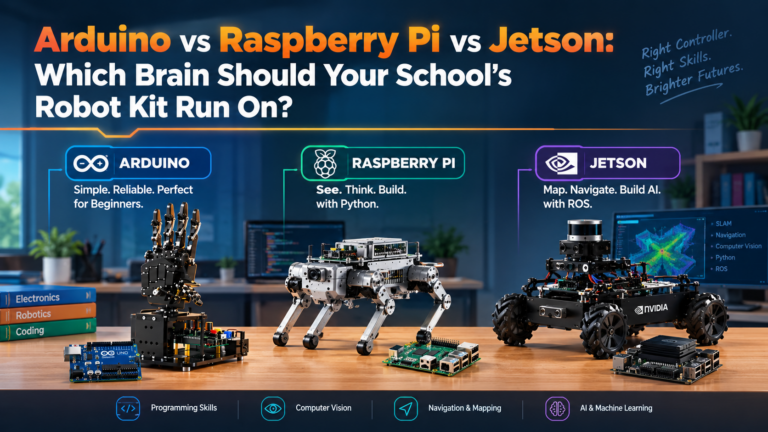
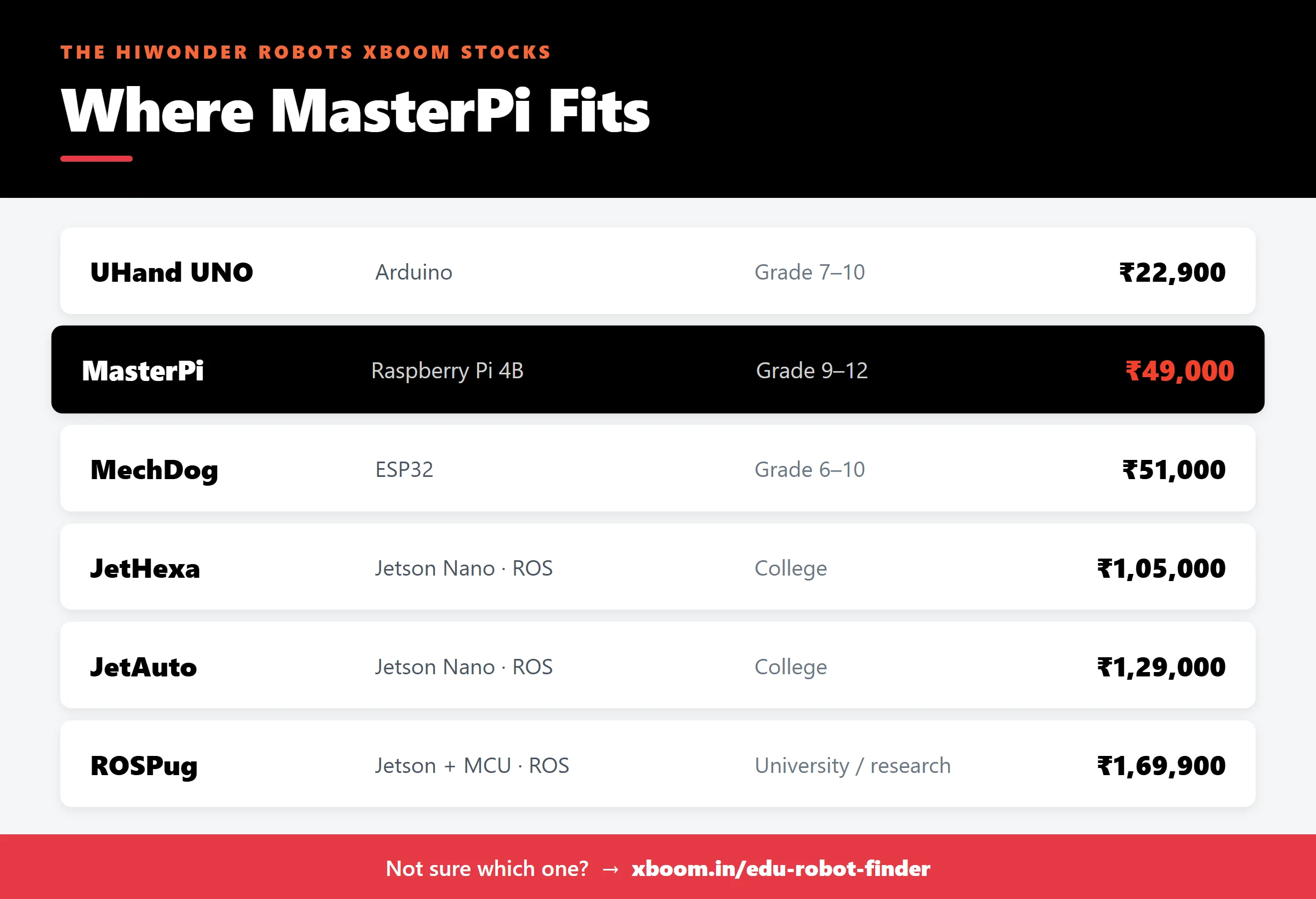
- Younger or first-time classes: (₹51,000) — Scratch through Arduino on an ESP32.
- This step: MasterPi (₹49,000) — Python + OpenCV, manipulation plus mobility.
- Next step up: (₹1,29,000) — Jetson, ROS and lidar SLAM.
Not sure which one fits your lab? Try the , or browse all .
FAQ
Is the Raspberry Pi included? Yes. This listing is the variant with a Raspberry Pi 4B (4GB) included, with the system image and open-source Python code provided so it’s ready to program after assembly.
What age or class is MasterPi suited to? It suits students who can already write basic code — typically Grade 9 upward, diploma and first-year engineering. Younger classes can still use the app and slider software, but the real value is in the Python and OpenCV work.
Does it need an internet connection to work? No. Colour sorting, tracking, line following and the other OpenCV functions run locally on the Raspberry Pi. The app connects to the robot directly over Wi-Fi.
How is MasterPi different from JetAuto? MasterPi runs on a Raspberry Pi and is programmed in Python with OpenCV — it’s a manipulation-and-vision platform. JetAuto runs on an NVIDIA Jetson, uses ROS, and adds lidar for mapping and autonomous navigation. MasterPi is the better choice for a school lab; JetAuto for a college robotics or AI programme.