
Schools usually choose robot kits by what the robot looks like: a dog, an arm, a humanoid. But the part that decides what students can actually learn is the controller inside. Arduino vs Raspberry Pi vs NVIDIA Jetson isn’t a technical detail. It sets which languages students use, what the robot can sense, and which grade it suits.
This guide explains the three kinds of robot brain in plain terms, what each one teaches, and which of the education robots we stock at XBOOM runs on each. Every price quoted is current on our site.
Arduino vs Raspberry Pi vs Jetson: The Short Version
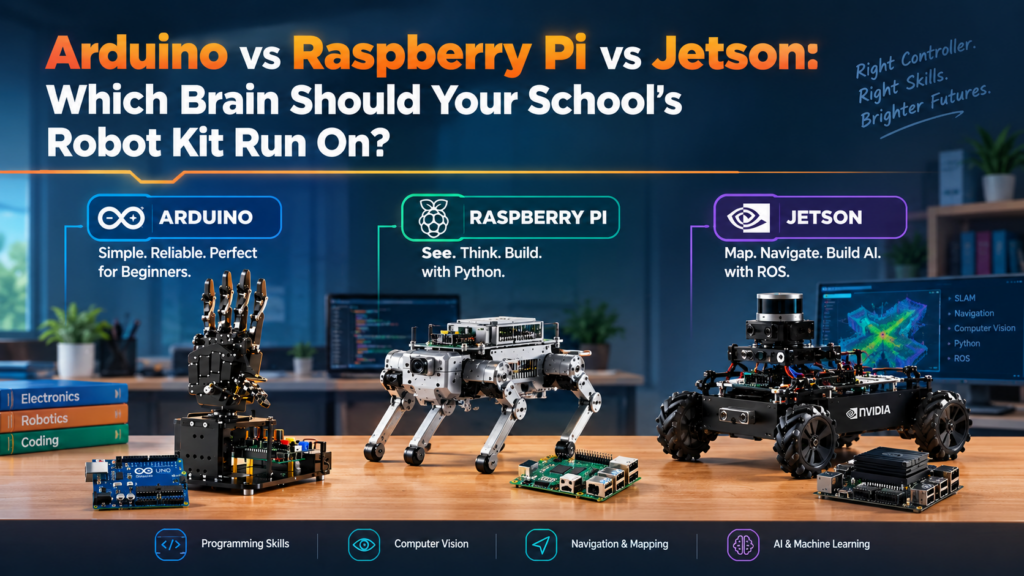
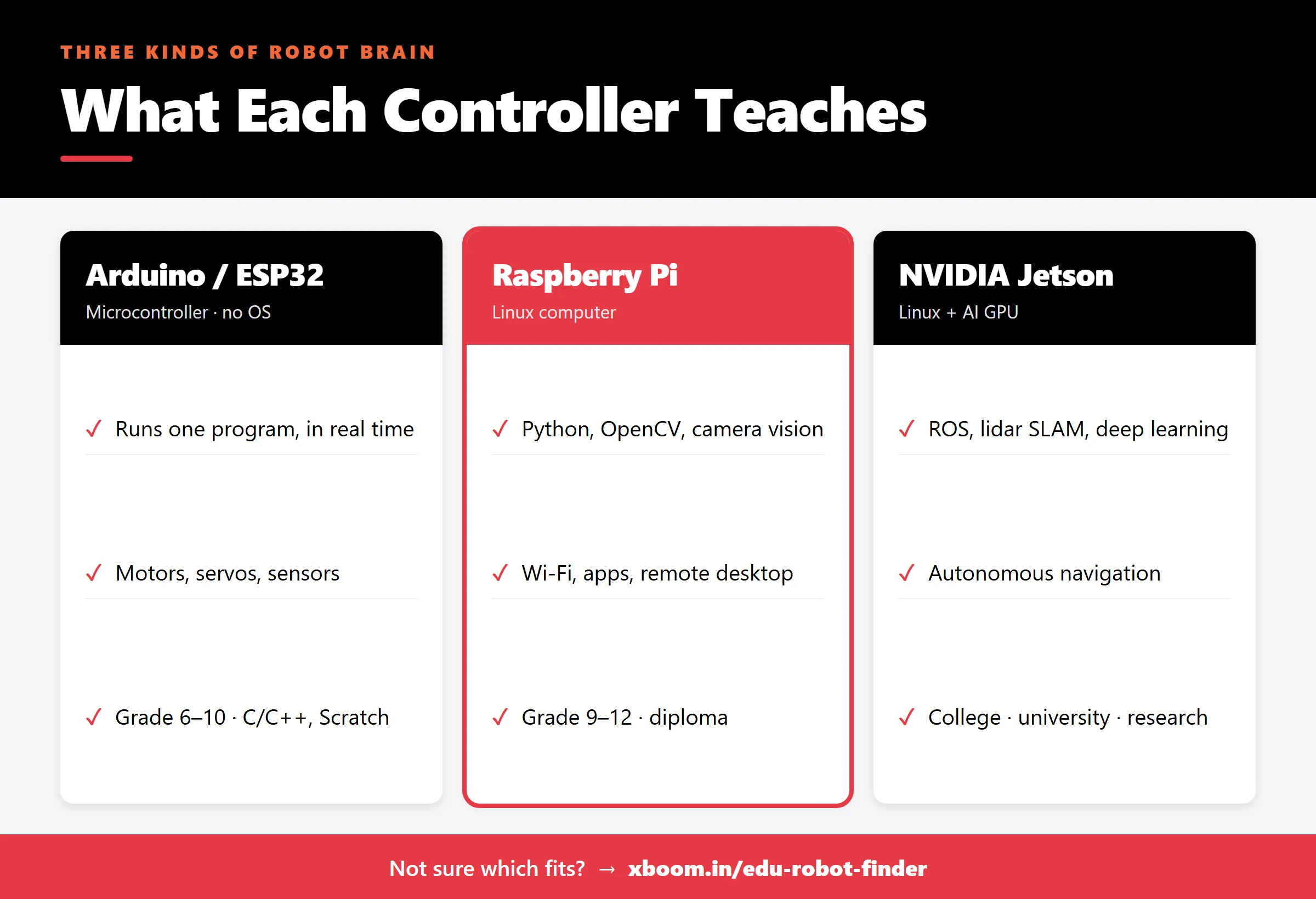
- Arduino (and ESP32) is a microcontroller. It runs one program, very reliably, with precise timing. It’s great for motors, servos and sensors, but can’t do camera vision on its own. Best for Grades 6–10.
- Raspberry Pi is a small Linux computer. It runs Python, handles a camera, does computer vision with OpenCV and connects to Wi-Fi. Best for Grades 9–12 and diploma students.
- NVIDIA Jetson is a Linux computer with an AI graphics processor. It runs ROS, lidar mapping and deep learning. Best for colleges, universities and research.
Arduino and ESP32: Where Students Learn How Machines Move
A microcontroller has no operating system. You write a program, upload it, and the board runs that one program every time it powers on. That simplicity is the point. Students see a direct line from a line of code to a motor turning, and there’s very little that can go wrong.
What it teaches: servo and motor control, reading sensors, timing, loops and logic, basic electronics. What it can’t do alone: process camera images, run AI models, or build maps.
ESP32 boards sit at the top of this group. They’re still microcontrollers, but with built-in Wi-Fi and Bluetooth, and they support MicroPython as well as Arduino C/C++, which makes them a gentle bridge to Python.
Robots we stock in this group
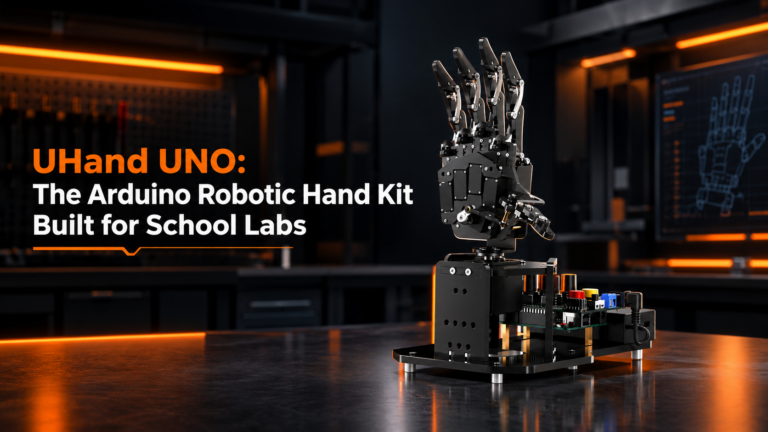
- UHand UNO Starter Kit (₹22,900): an Arduino UNO robotic hand with six anti-blocking servos, controlled by knobs, a Bluetooth app or Arduino code. Read our UHand UNO guide.
- MechDog Advanced Kit (₹51,000): an ESP32 robot dog that takes Scratch, MicroPython and Arduino on the same robot, so one kit can serve Grade 6 through Grade 10.
Raspberry Pi: Where Robots Start to See
A Raspberry Pi is a full computer the size of a deck of cards. It runs Linux, so students write Python, install libraries, connect a camera, and work on the robot over Wi-Fi from a laptop.
What it teaches: Python, computer vision with OpenCV (colour detection, face and QR recognition, line following), working in Linux, and joining vision to movement. This is the step where a robot stops following instructions and starts reacting to what it sees.
A Raspberry Pi isn’t a real-time controller, so robots built on one often pair it with a simple servo board for precise motion. That split is a useful lesson in itself.
Robots we stock in this group
- MasterPi with Raspberry Pi 4B (4GB) (₹49,000): a 5DOF robot arm with a wrist camera on a Mecanum car, for colour sorting, tracking and pick-and-deliver tasks. Read our MasterPi guide.
- TonyPi Pro with Raspberry Pi 5 (2GB) (₹1,24,999): a humanoid robot for students ready for more complex motion and vision projects.
NVIDIA Jetson: Where Robots Navigate on Their Own
A Jetson is also a Linux computer, but it has an NVIDIA graphics processor built for AI. That’s what lets a robot run deep-learning models in real time, process lidar data, and build and navigate a map of a room.
What it teaches: ROS (the Robot Operating System), SLAM mapping, path planning, sensor fusion and AI inference. These are the skills used in research labs and in industry. It’s also the steepest learning curve, and it suits students who are already comfortable with Python and Linux.
Robots we stock in this group
- JetHexa Standard Kit (₹1,05,000): a ROS hexapod on Jetson Nano.
- JetAuto Standard Kit (₹1,29,000): a ROS robot car on Jetson Nano (4GB) for mapping and navigation.
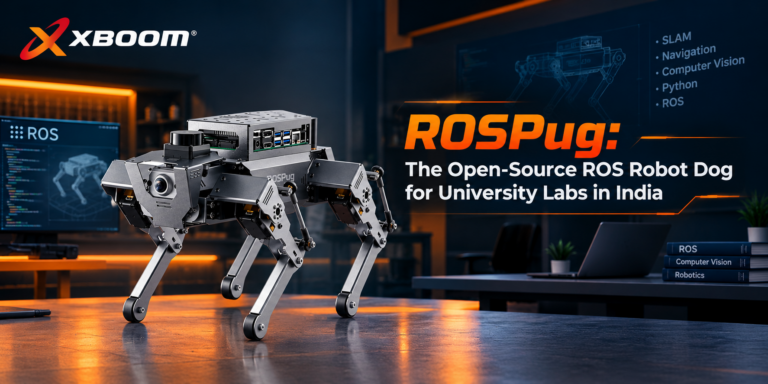
- ROSPug (₹1,69,900): an open-source ROS robot dog that pairs a Jetson Nano with a microcontroller, AI on one and gait timing on the other. Read our ROSPug guide.
All Seven Robots at a Glance
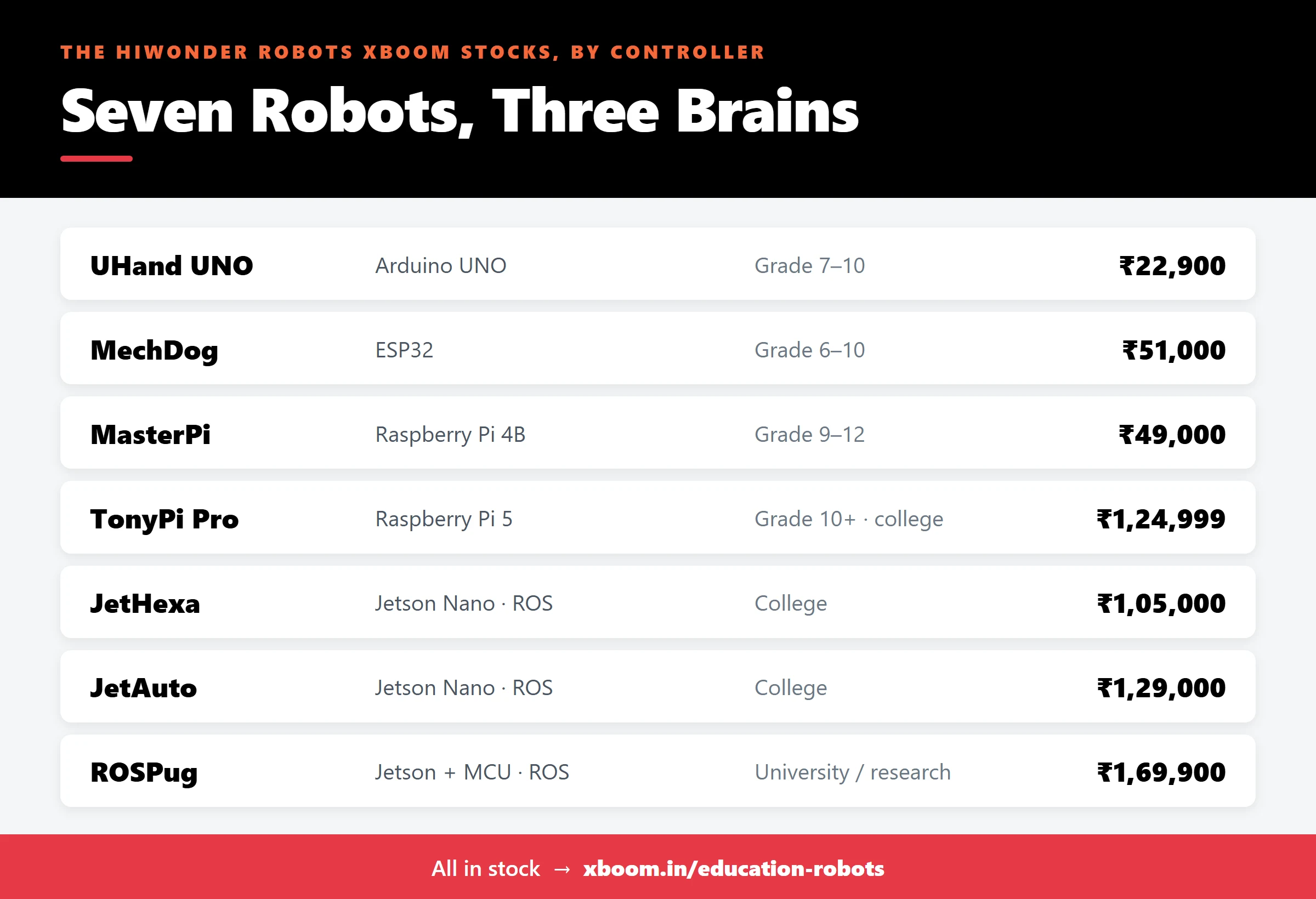
| Robot | Controller | Suits | Price at XBOOM |
|---|---|---|---|
| UHand UNO Starter Kit | Arduino UNO | Grade 7–10 | ₹22,900 |
| MechDog Advanced Kit | ESP32 | Grade 6–10 | ₹51,000 |
| MasterPi | Raspberry Pi 4B (4GB) | Grade 9–12 | ₹49,000 |
| TonyPi Pro | Raspberry Pi 5 (2GB) | Grade 10+, college | ₹1,24,999 |
| JetHexa Standard Kit | Jetson Nano | College | ₹1,05,000 |
| JetAuto Standard Kit | Jetson Nano (4GB) | College | ₹1,29,000 |
| ROSPug | Jetson Nano + MCU | University, research | ₹1,69,900 |
How to Choose: Three Questions
1. What can your students already do?
If they’ve never coded, start with a microcontroller robot that also supports block coding. If they write basic Python, a Raspberry Pi robot will stretch them. Only choose Jetson if students are comfortable in Linux.
2. What can your teachers support?
The best kit is one your teachers can run confidently. Arduino and ESP32 robots need the least setup. Jetson and ROS robots need the most, so plan teacher training for them.
3. Is this one robot, or a ladder?
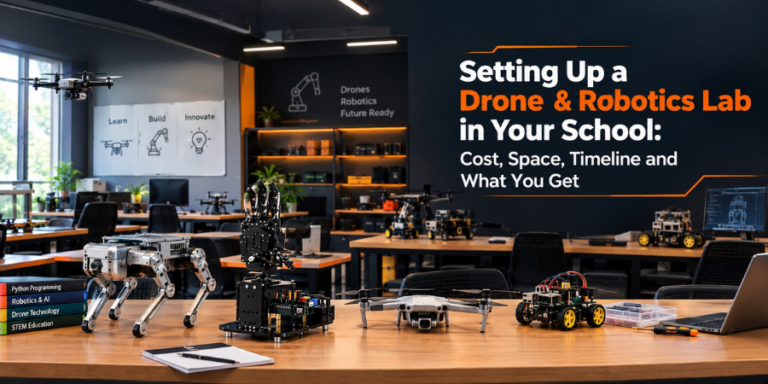
Labs that last buy a ladder: a microcontroller robot for younger grades, a Raspberry Pi robot for seniors, and a Jetson robot for the strongest students or the college wing. Students then move up without starting over. If you’re planning a whole lab rather than a single kit, see our guide to setting up a drone & robotics lab for schools.
Still unsure? The Edu Robot Finder recommends a robot in a few questions, or browse every education robot we stock.
Arduino vs Raspberry Pi vs Jetson: Frequently Asked Questions
Is Arduino or Raspberry Pi better for beginners?
Arduino. It runs one program with no operating system, so there’s less to set up and less to go wrong. Raspberry Pi is the better next step once students know basic Python.
Can a Raspberry Pi robot do AI?
Yes, for computer-vision tasks like colour, face, QR and gesture recognition using OpenCV. For heavier deep learning, lidar mapping and ROS navigation, a Jetson is the better fit.
What is the difference between Raspberry Pi and Jetson Nano?
Both are small Linux computers. The Jetson Nano adds an NVIDIA GPU designed for AI workloads, which is why ROS mapping and navigation robots tend to use it.
Which robot is best for an ATL lab?
Usually a mix: a microcontroller robot such as MechDog or UHand UNO for younger students, plus a Raspberry Pi robot such as MasterPi for seniors. Jetson robots are generally better suited to colleges.
Are these robots available in India?
Yes. All seven robots in this guide are in stock at XBOOM in Bengaluru, at the prices shown.